
Ticket systems
Triage, routing, and SLA tracking in one desk
Helpdesk · Email routing · SLA tracking
A focused helpdesk for teams that need ticket triage, support email routing, customer context, SLA visibility, and reporting in one calm workspace.
Trusted by teams like
 Mveli Financial Services
 Cedarstone Human Capital
 Risk-Africa SHEQ Services
Built for support teams
One calm workspace for ticketing, support mailboxes, customer records, and reporting.
Filter by owner, department, category, priority, customer replies, and SLA pressure.
Route configured support mailboxes into queues and keep email replies tied to the ticket.
Match inbound mail on keywords and support address, then auto-assign it to the right queue and agents.
Link tickets to companies and contacts so each request carries useful customer history.
Track target response windows, breached work, closed work, and daily team momentum.
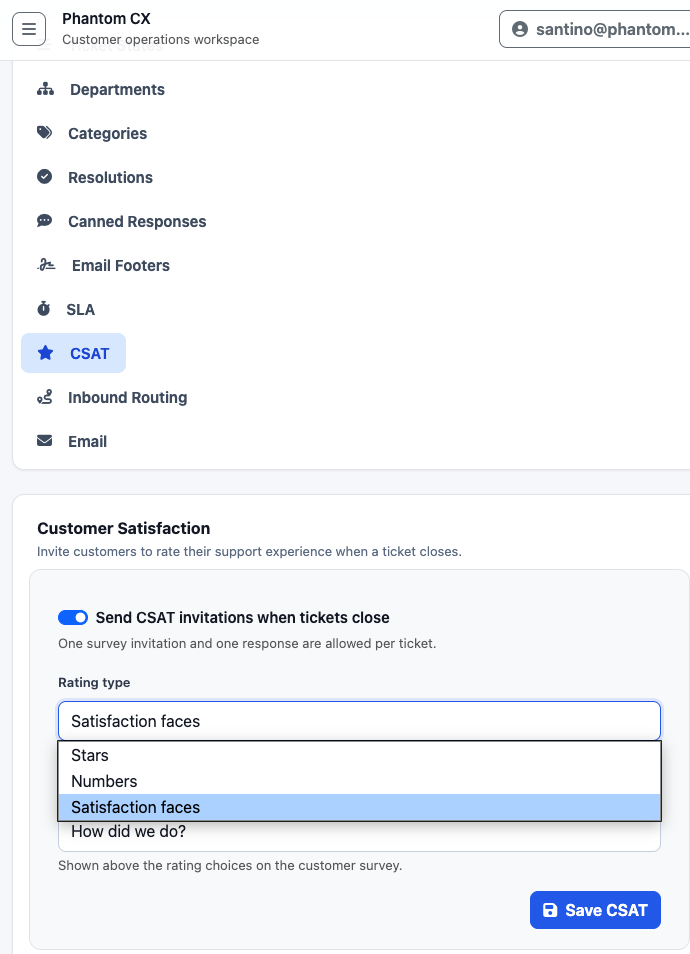
Invite customers to rate their support experience when a ticket closes — one invitation and one response per ticket, with stars, numbers, or satisfaction faces.
Send customer replies, use canned responses, add internal notes, and close tickets cleanly.
Configure ticket states, departments, categories, queues, routing, email, footers, and users.
Operating rhythm
Create tickets manually or from inbound support mailboxes with requester details attached.
Use keywords, departments, queues, and routing rules to place work where it belongs — automatically.
Reply to customers from the ticket, keep internal notes separate, and reuse approved responses.
Review workload, response activity, resolution performance, SLA health, and CSAT feedback from closed tickets.
Real product views
The product experience is intentionally quiet: dense enough for repeated work, clear enough for agents and admins to find what matters.
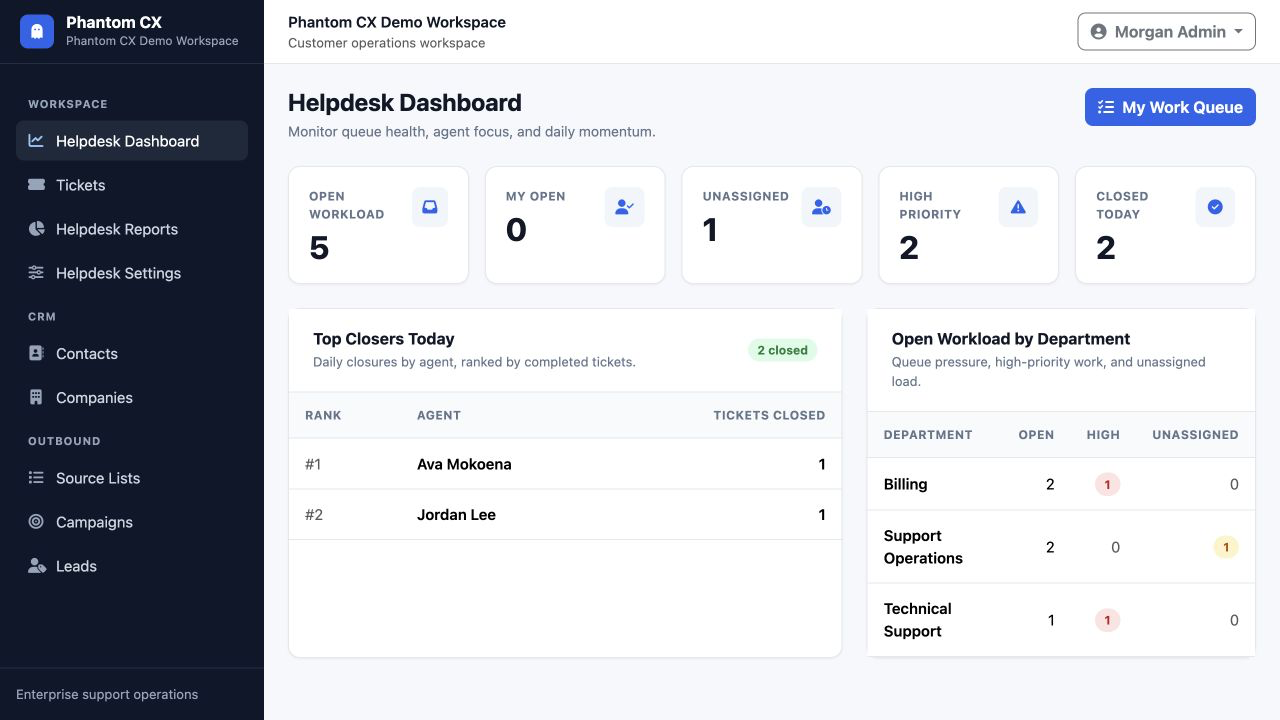
Dashboard
Admins can see open workload, unassigned work, high-priority tickets, closed tickets, top closers, and department pressure from one view.
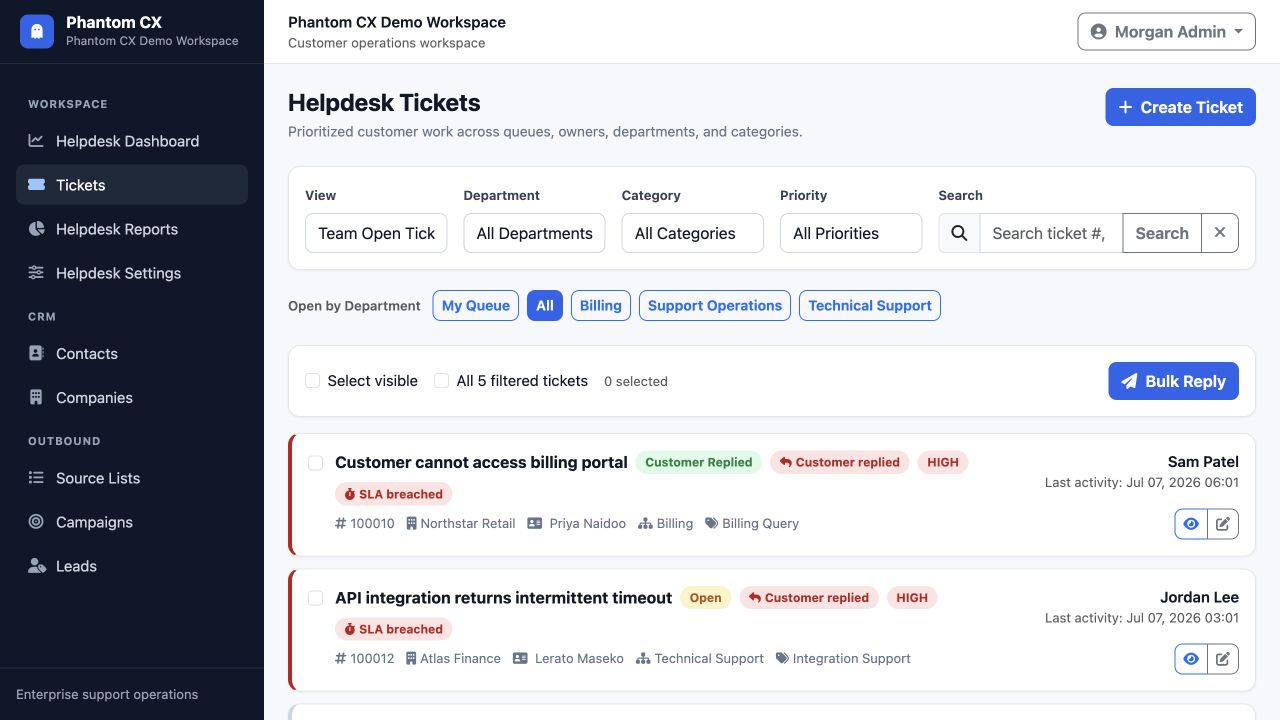
Tickets
Agents can scan state, customer, department, category, priority, SLA status, and ownership.
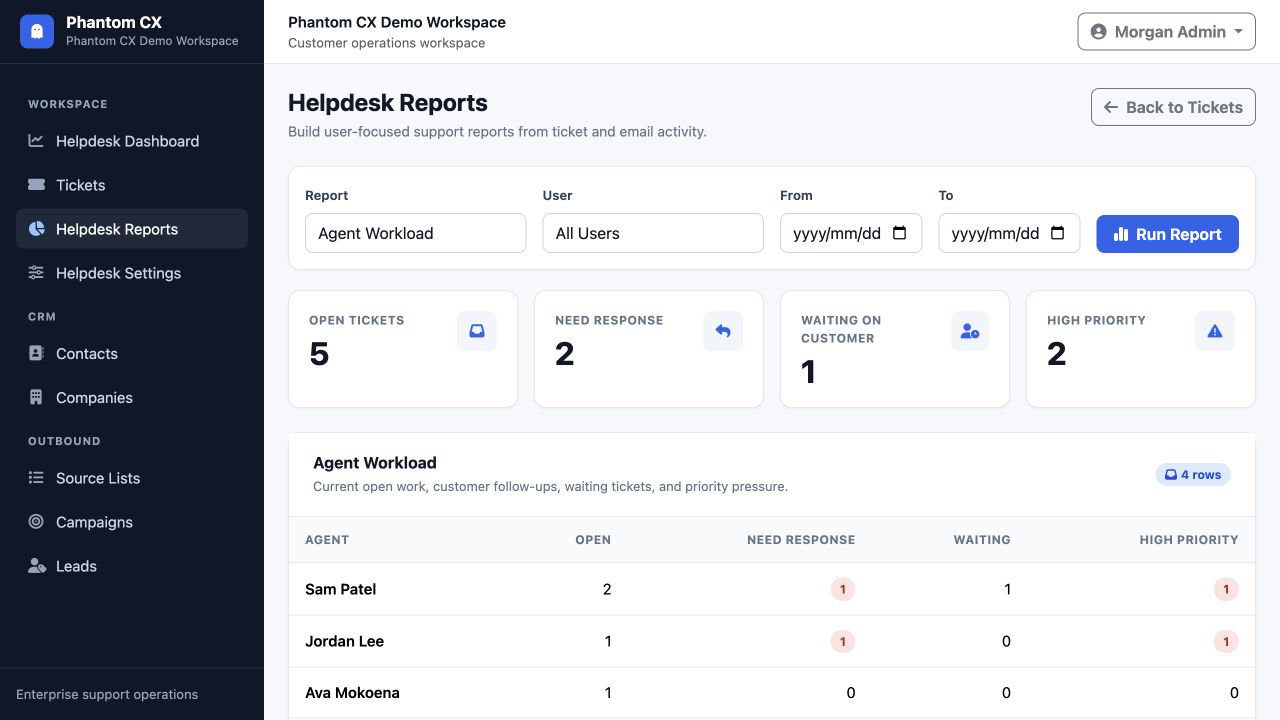
Reports
Leaders can review workload, follow-ups, waiting tickets, priority pressure, and SLA health.
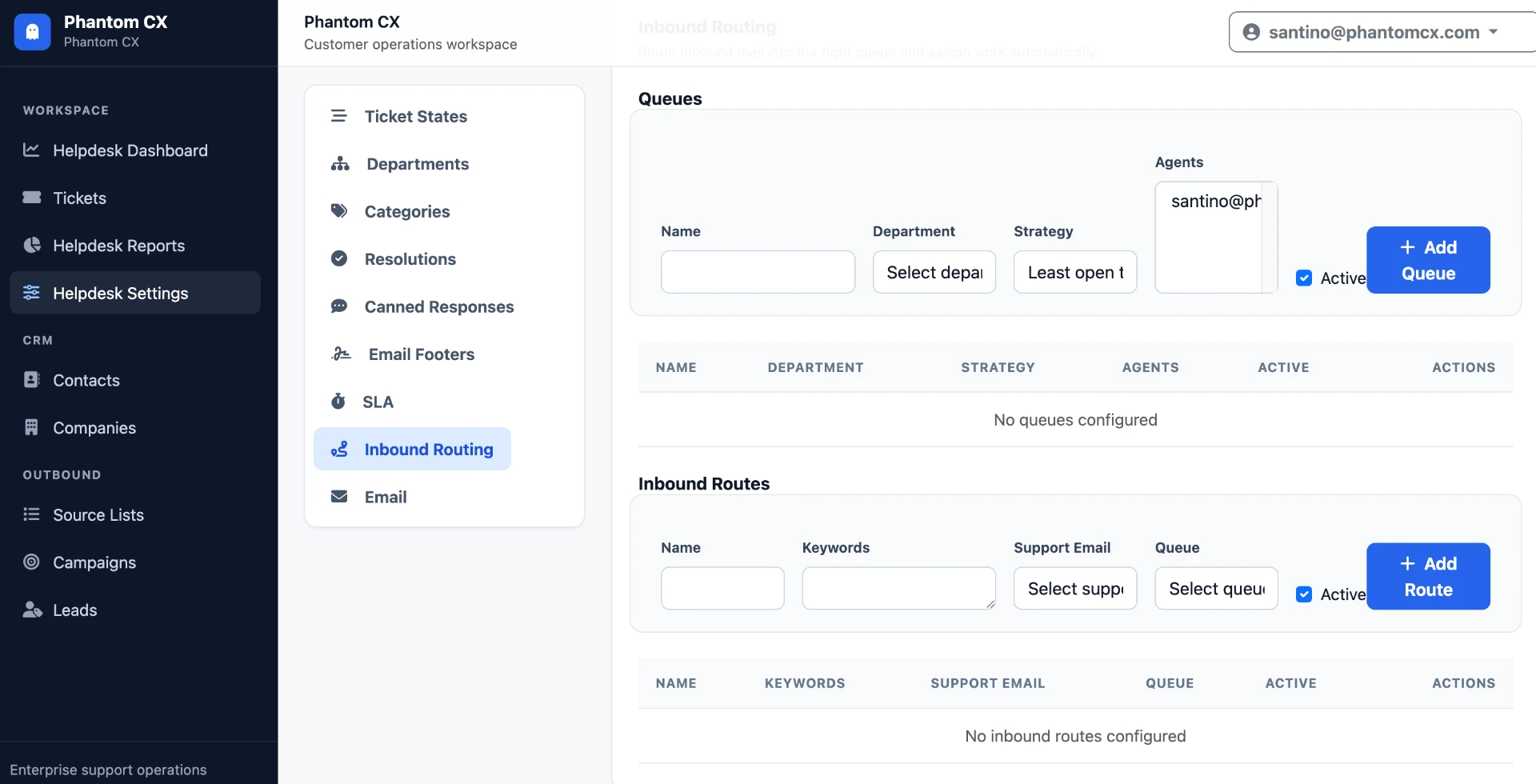
Inbound Routing
Define queues with departments and assignment strategies, then route inbound mail automatically by keyword and support email — no manual triage.
CSAT
Send one CSAT invitation per closed ticket and let customers rate the experience with stars, numbers, or satisfaction faces — all configurable from a single settings screen.
Pricing
Start free with a small team, add a fixed-price website, or grow into a plan that matches your support operation. No hidden fees, cancel anytime.
Up to 3 users
R0forever
Up to 10 users
from R4,950per month
R4,702.50 pm paid online · save 5%
Up to 20 users
from R8,450per month
R8,027.50 pm paid online · save 5%
35+ users · Custom terms
Custom
Up to 5 pages
R1,050once-off
R997.50 paid online · save 5%
Disclaimer: all plan prices exclude hosting. Workspace hosting, domain registration and server hosting are not included on the free plan or any paid plan, and are arranged and billed separately.
The 5% discount applies to payments made online. All prices in South African Rand (ZAR); listed prices exclude VAT, online payment prices include VAT. To switch between Team and Business, contact us and we will change it for you. Need more than 35 users or a custom setup? Request a quote for a tailored quote.
Off-the-shelf products & services
Beyond Phantom CX, we ship proven white-labeled products and fixed-price services you can deploy immediately — under your own brand, at a fraction of custom development cost.
 Funeral industry
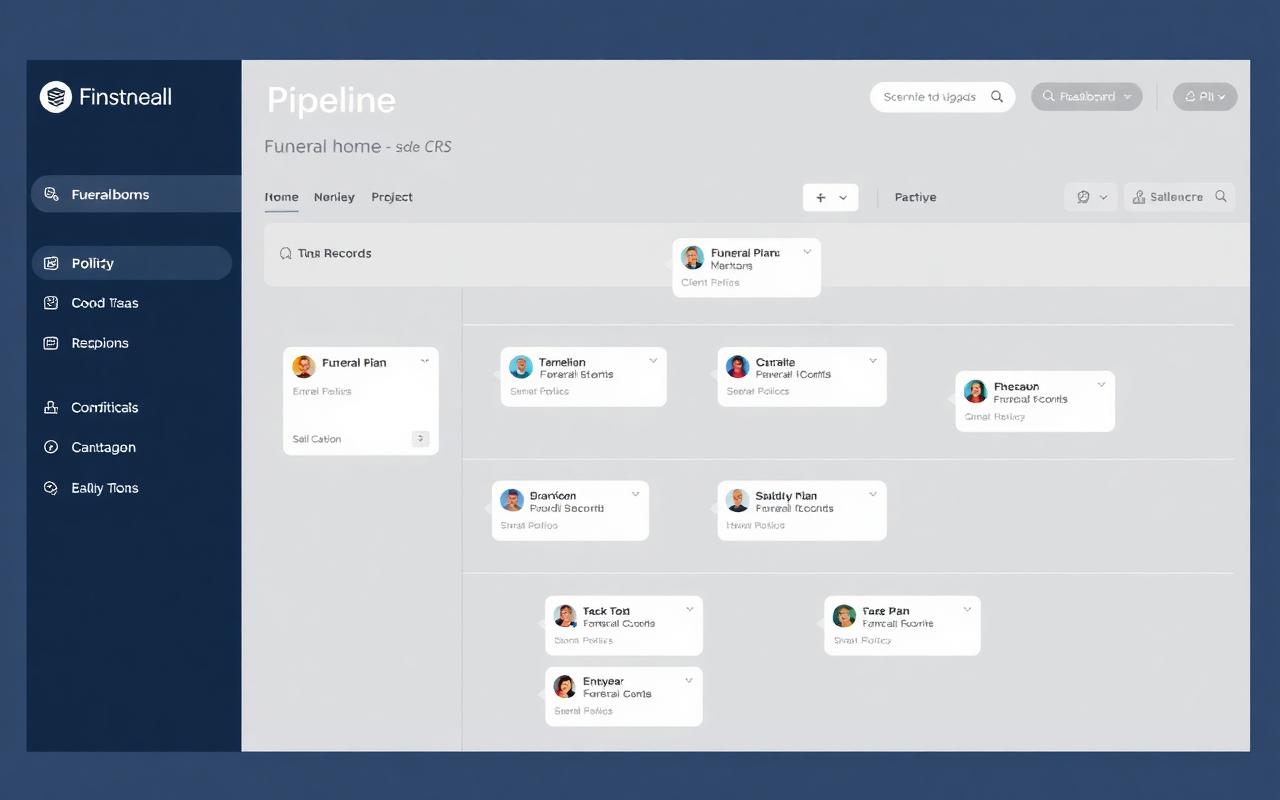
White-labeled CRM for funeral homes and funeral plan sales teams
A ready-to-deploy CRM purpose-built for the funeral industry. Manage policy sales pipelines, family records, agent performance, and follow-ups — all under your own brand, with no development time.
 Industrial safety
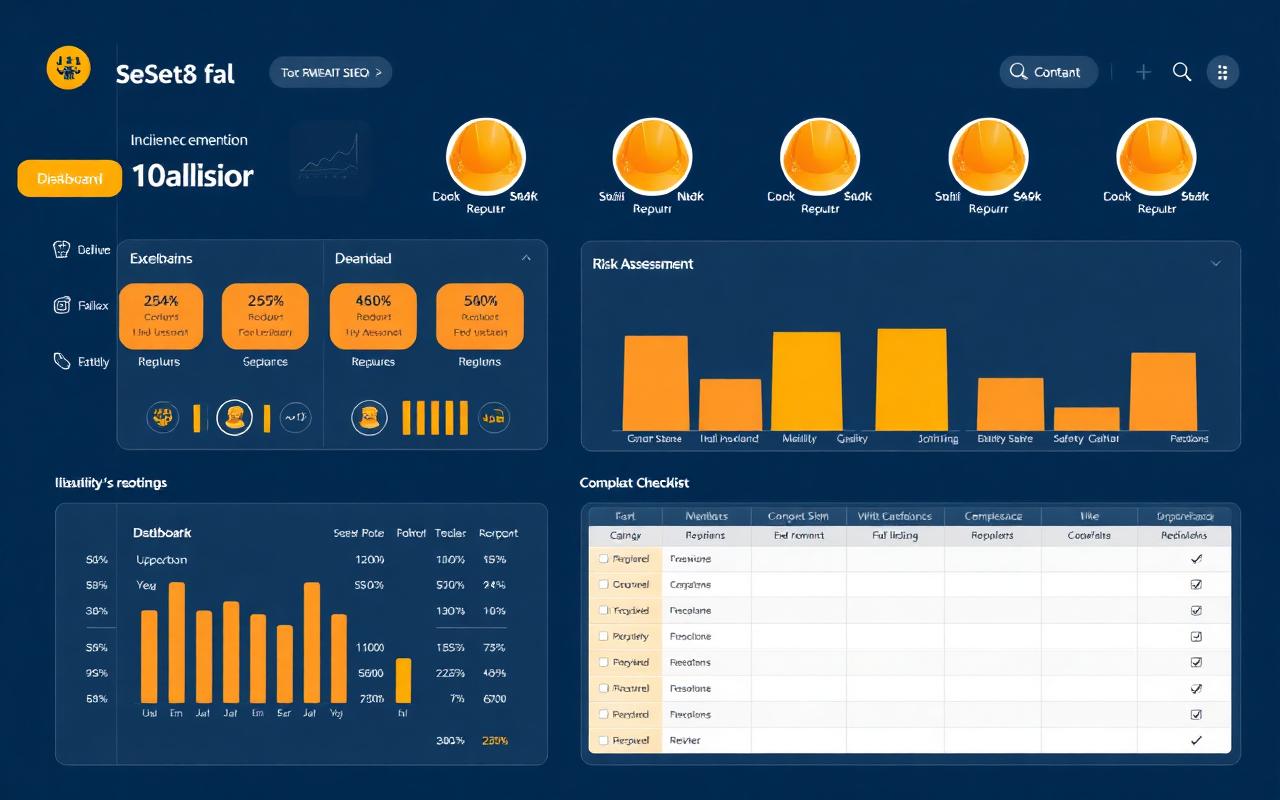
White-labeled safety, health, environment & quality platform
An off-the-shelf SHEQ system for industrial workplaces. Digitize incident reporting, risk assessments, compliance checklists, and audits — deployed fast and branded as your own product.
 Web services
Professional business websites with SEO and lead capture
A fixed-price website package that gets your business online quickly — up to 5 pages, built for search visibility, and includes a lead form to start converting visitors into prospects.
Enterprise
Tell us how your support operation works and we'll put together a tailored proposal — pricing, rollout plan and the partner rates for any custom development.
Contact
Reach out for product support, sales questions, feature requests, onboarding guidance, or anything you need clarified before bringing Phantom CX into your support operation.
Email us
We keep the address hidden until requested to reduce automated scraping. Once revealed, click the email address to open your mail client.
Your message will be routed to the right person for support, sales, or product feedback.